Cosmetics Unlocker – Free Outfits and Transmog v2.2.2
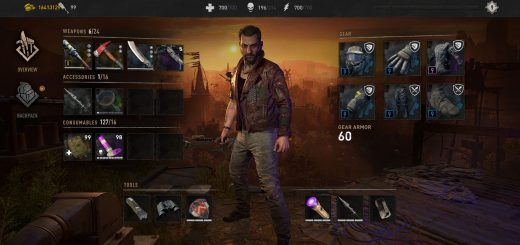
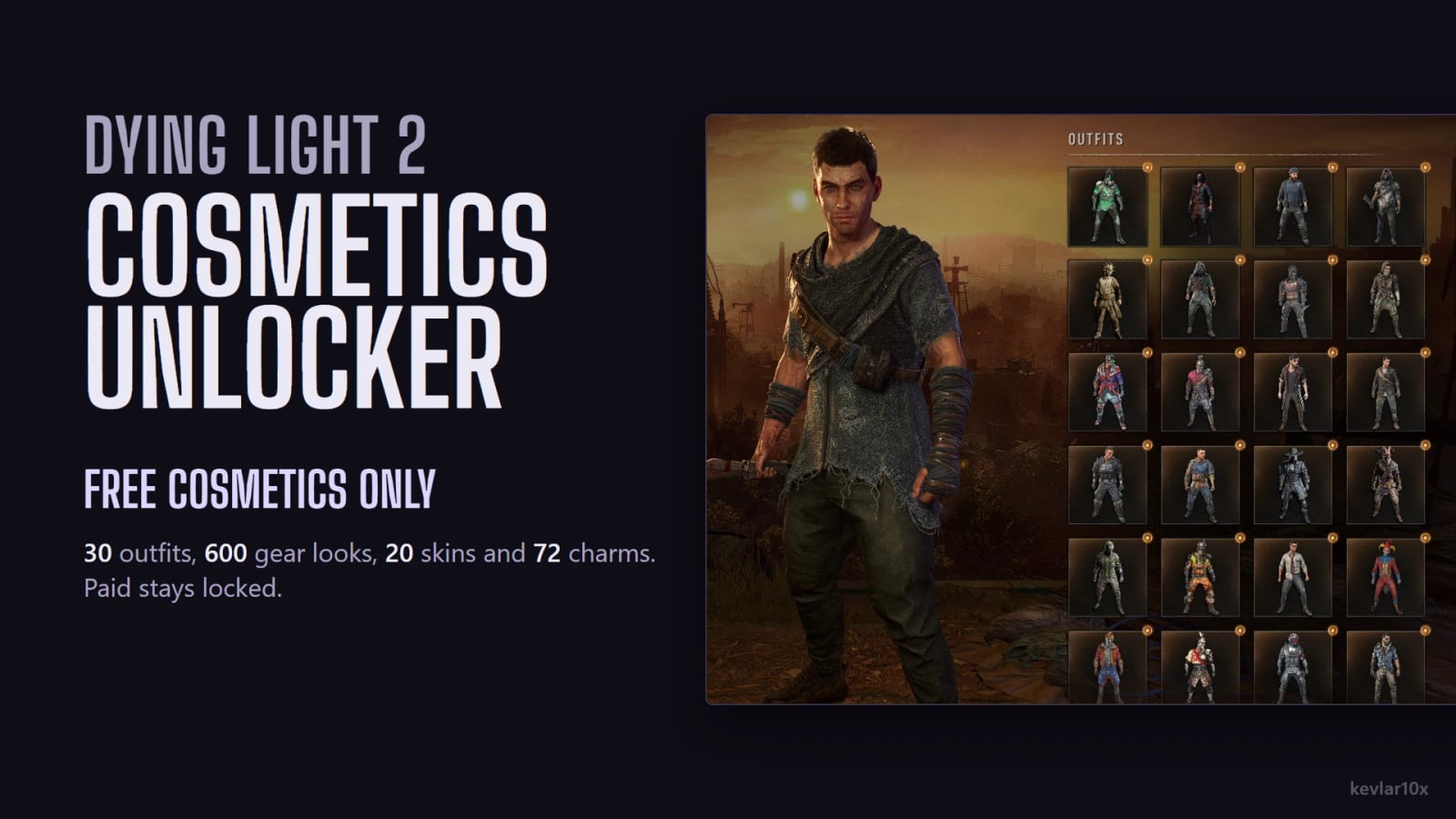
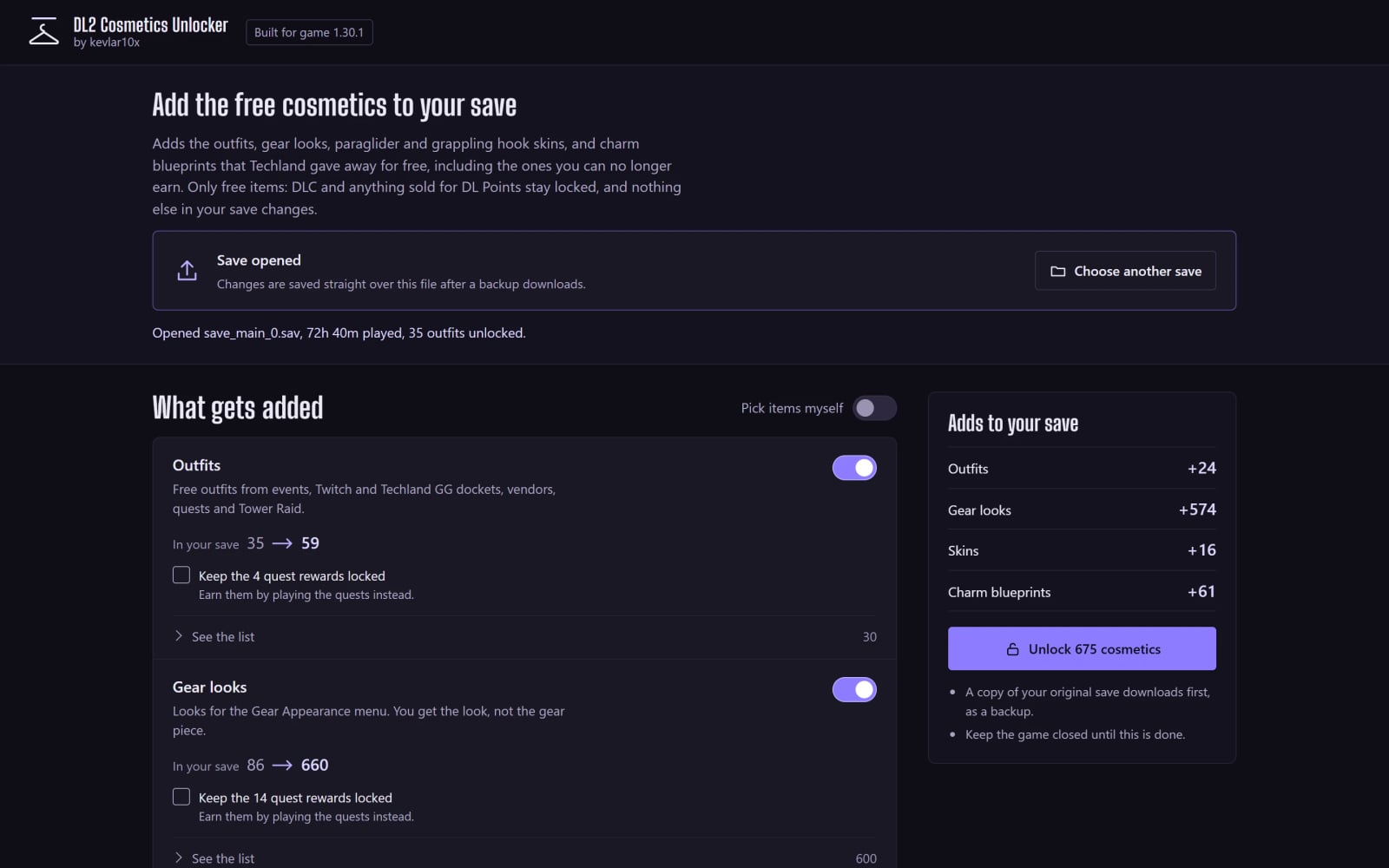
DL2 Cosmetics Unlocker adds free Techland cosmetics to a Dying Light 2 save while leaving paid content locked. It only changes cosmetic unlocks and does not change money, stats, gear or story progress.
Features
- Free content only. DLC, DL Points store items, Bloody Ties, evolving bundles, pre-order and partner bonuses stay locked.
- Adds cosmetics from Twitch drops, Techland GG, events, vendors, Tower Raids and the free Balatro collab outfit, including content that can no longer be earned.
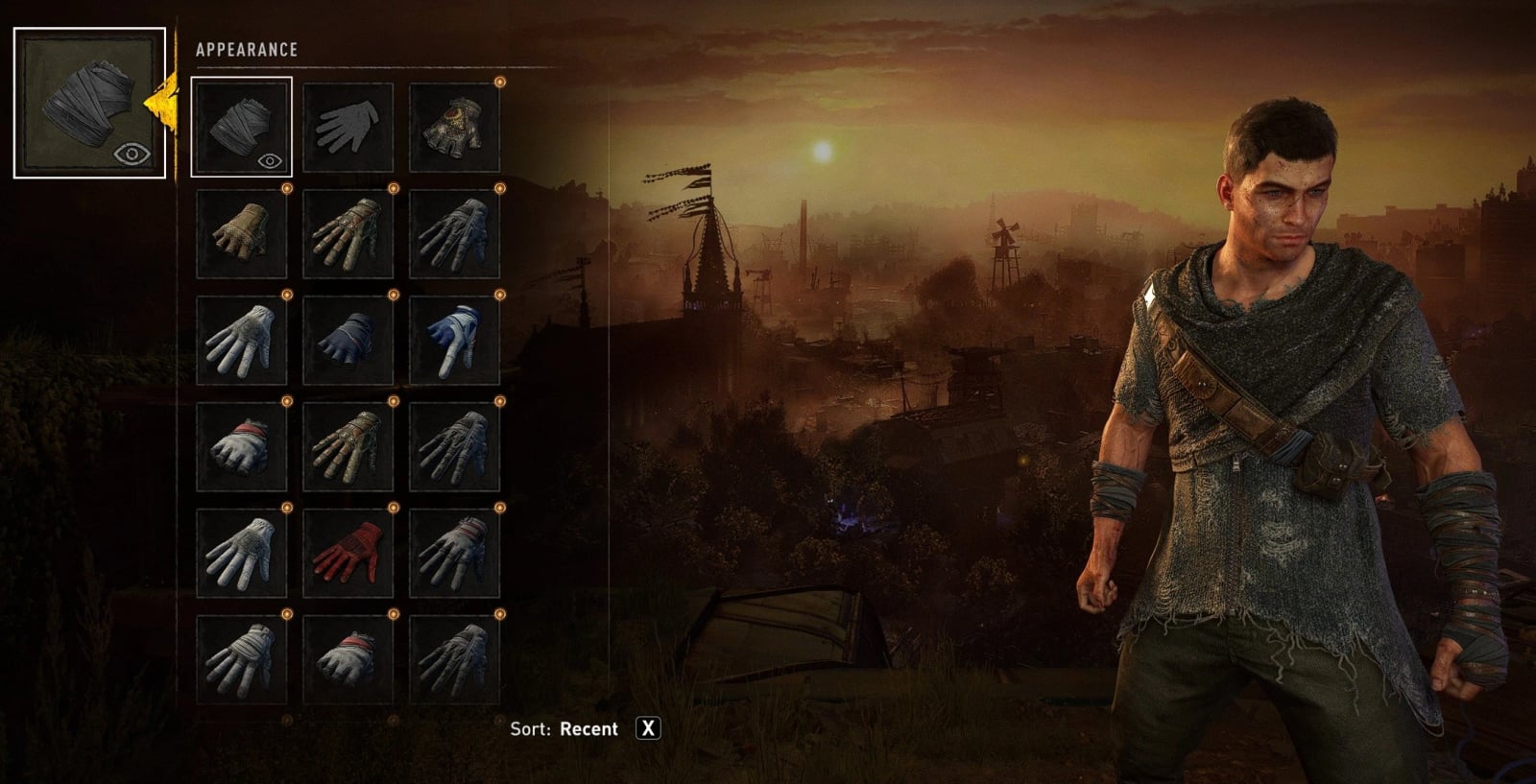
- Gear Appearance looks provide the look, not the gear piece.
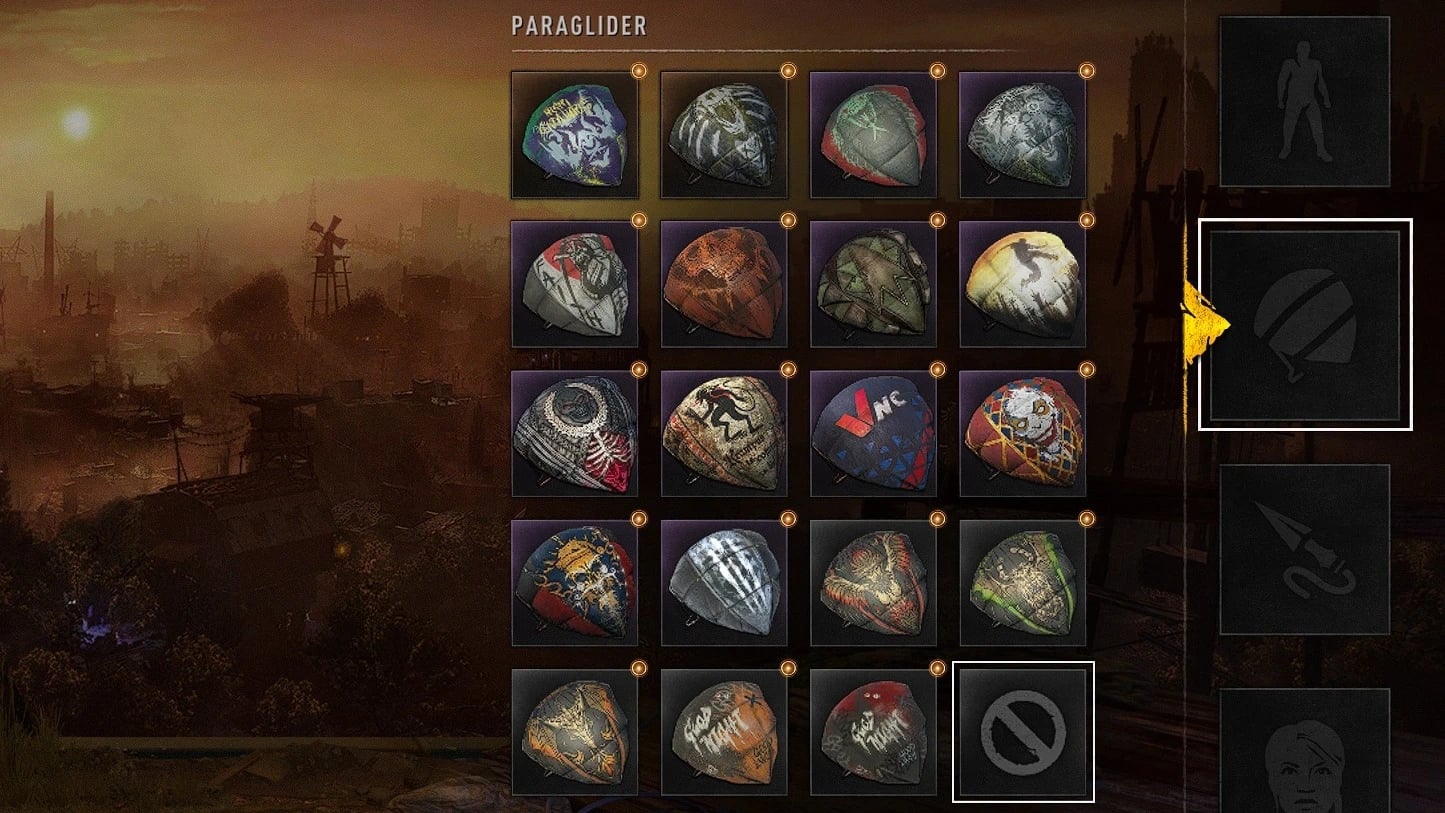
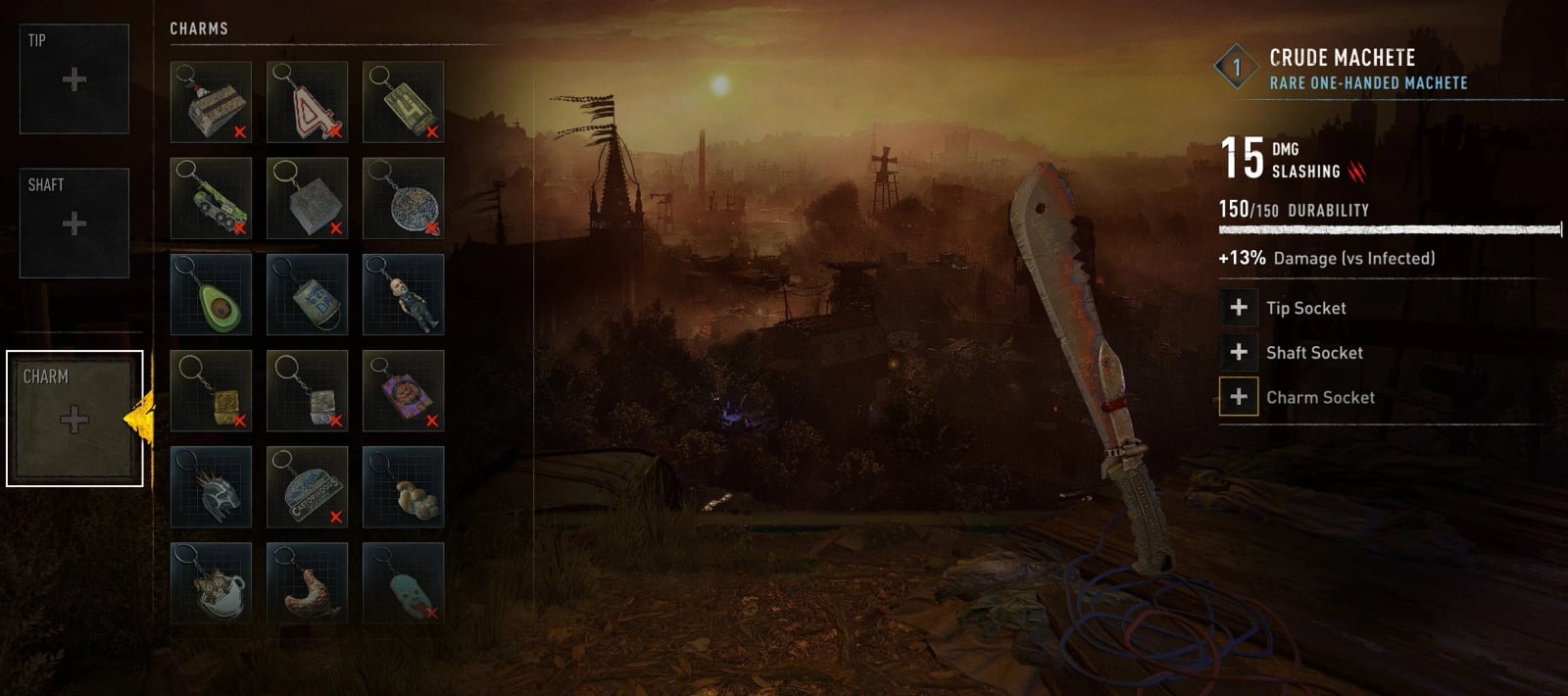
- Paraglider and grappling hook skins, and charm blueprints, are supported.
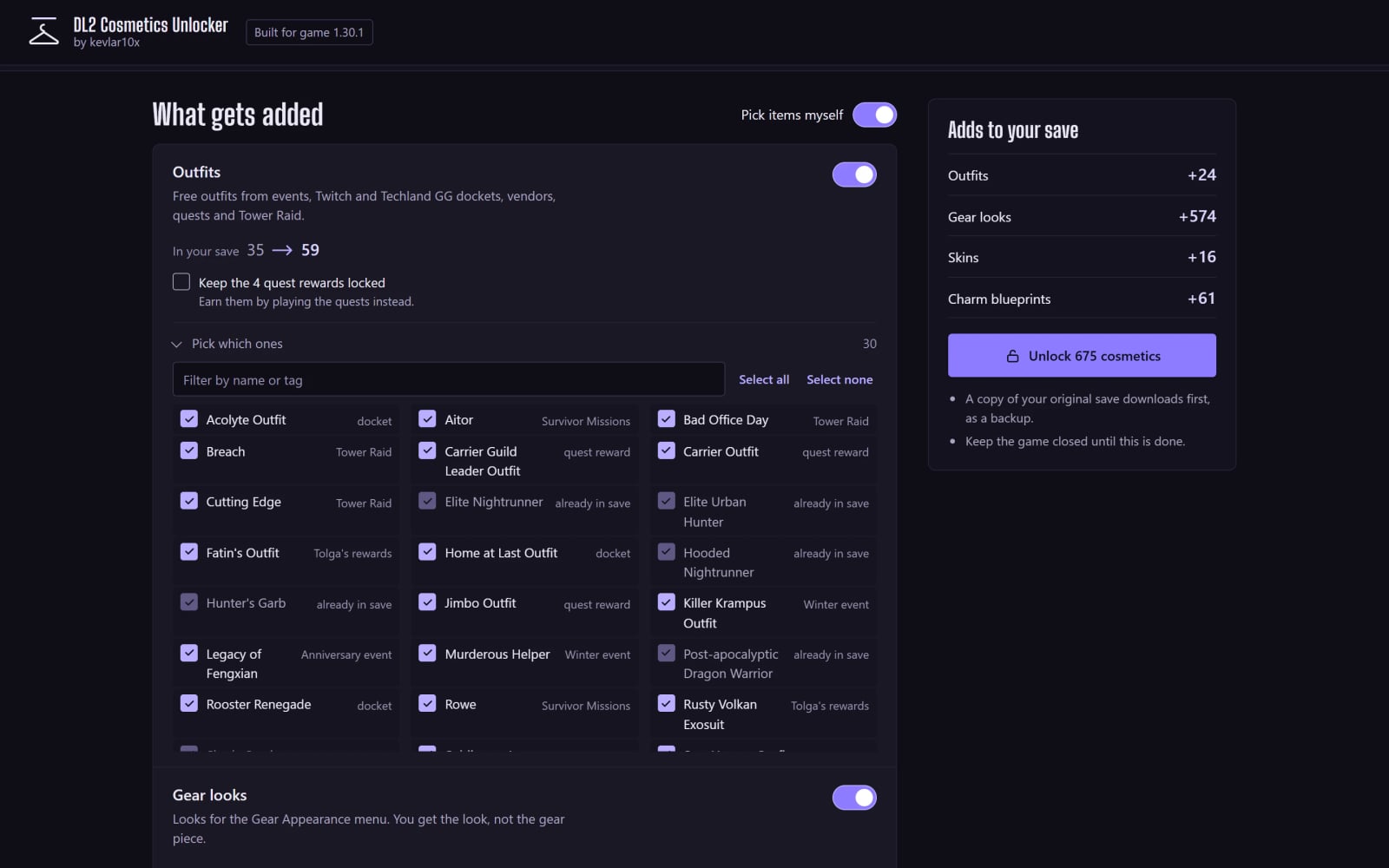
- Choose all items by default, or enable Pick items myself to select individual items.
- Each group has a Keep the quest rewards locked option that excludes quest, side quest and map activity rewards.
- Item tags show sources such as Halloween event, Tower Raid, Twitch drop or docket. Tags can be entered into a list filter, and Select shown or Clear shown affects only the filtered rows when Pick items myself is enabled.
- The page sorts free from paid content using the game’s own files, including DLC and store tags, stash grants, bundles and shared models.
Specifications
- Game version: 1.30.1
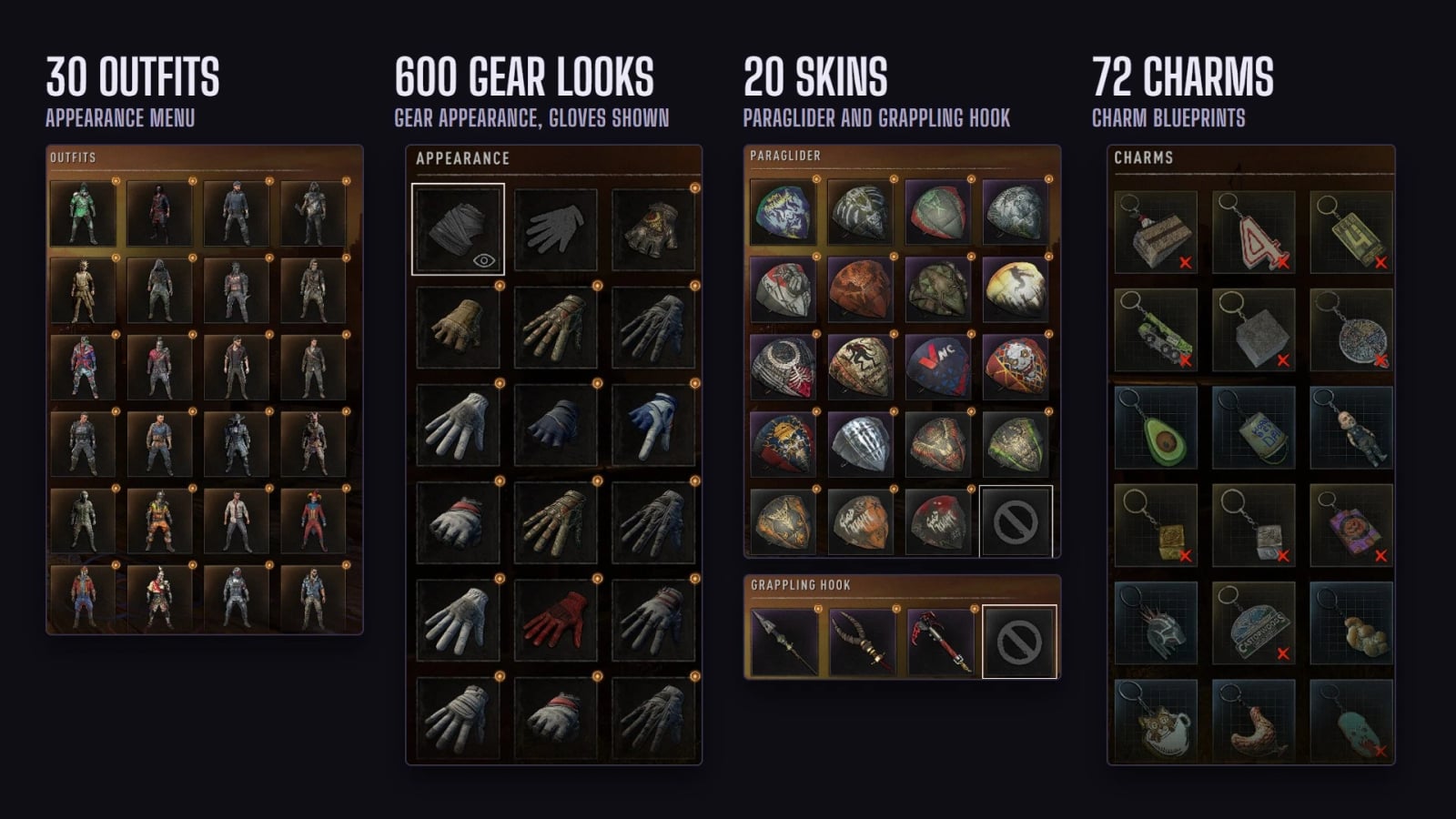
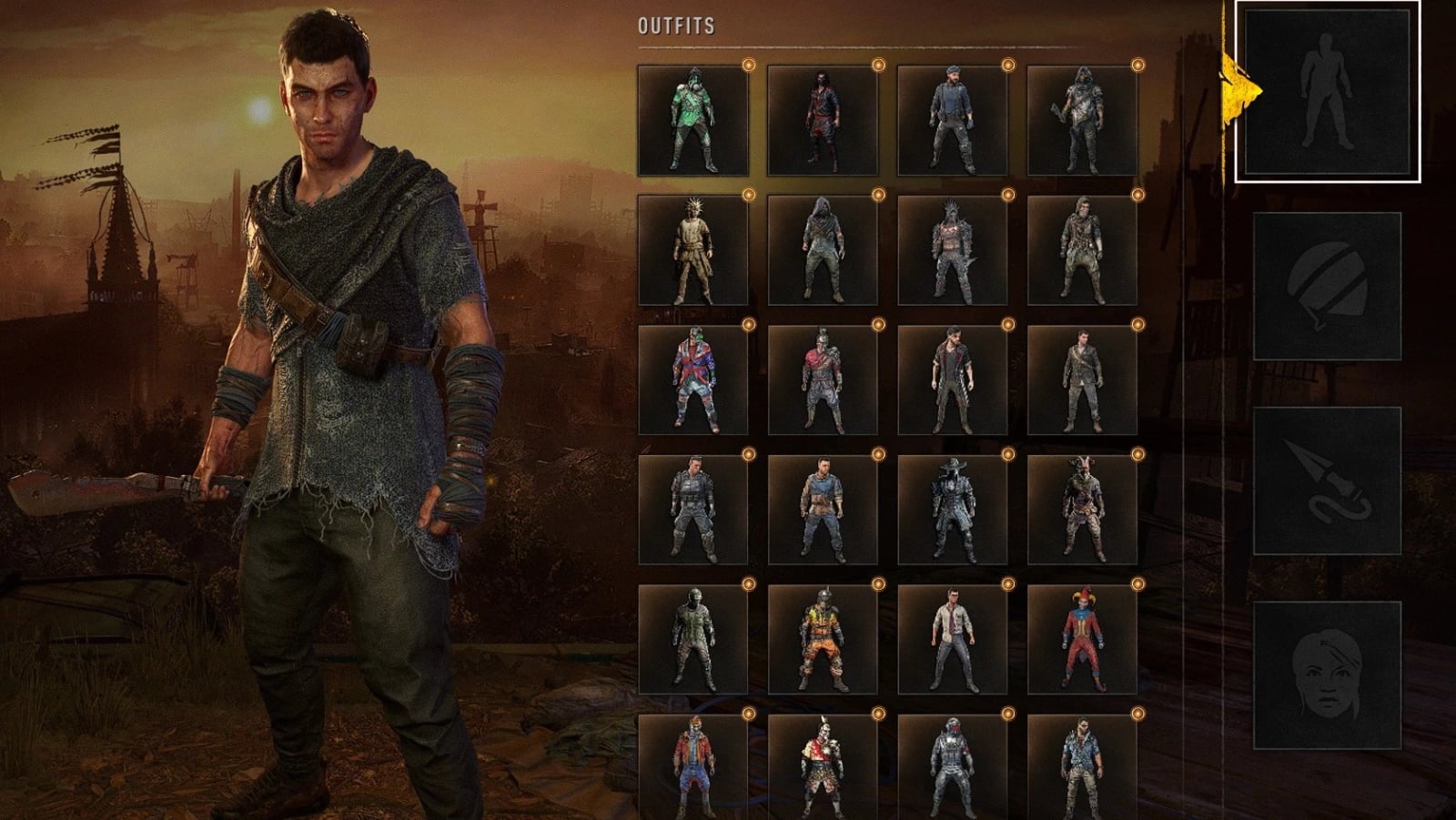
- 30 outfits in the Appearance menu, including Twitch and Techland GG docket rewards, event and vendor outfits, Tower Raid outfits and the free Balatro collab outfit.
- 601 gear looks for the Gear Appearance, or transmog, menu.
- 18 paraglider skins.
- 2 grappling hook skins.
- 72 charm blueprints, including the Halloween 2026 keychains.
- 28 quest, side quest and map activity rewards can be excluded with Keep the quest rewards locked, including the Tolga & Fatin gear, the Balatro outfit and the Waltz outfit for finishing the story on Nightmare.
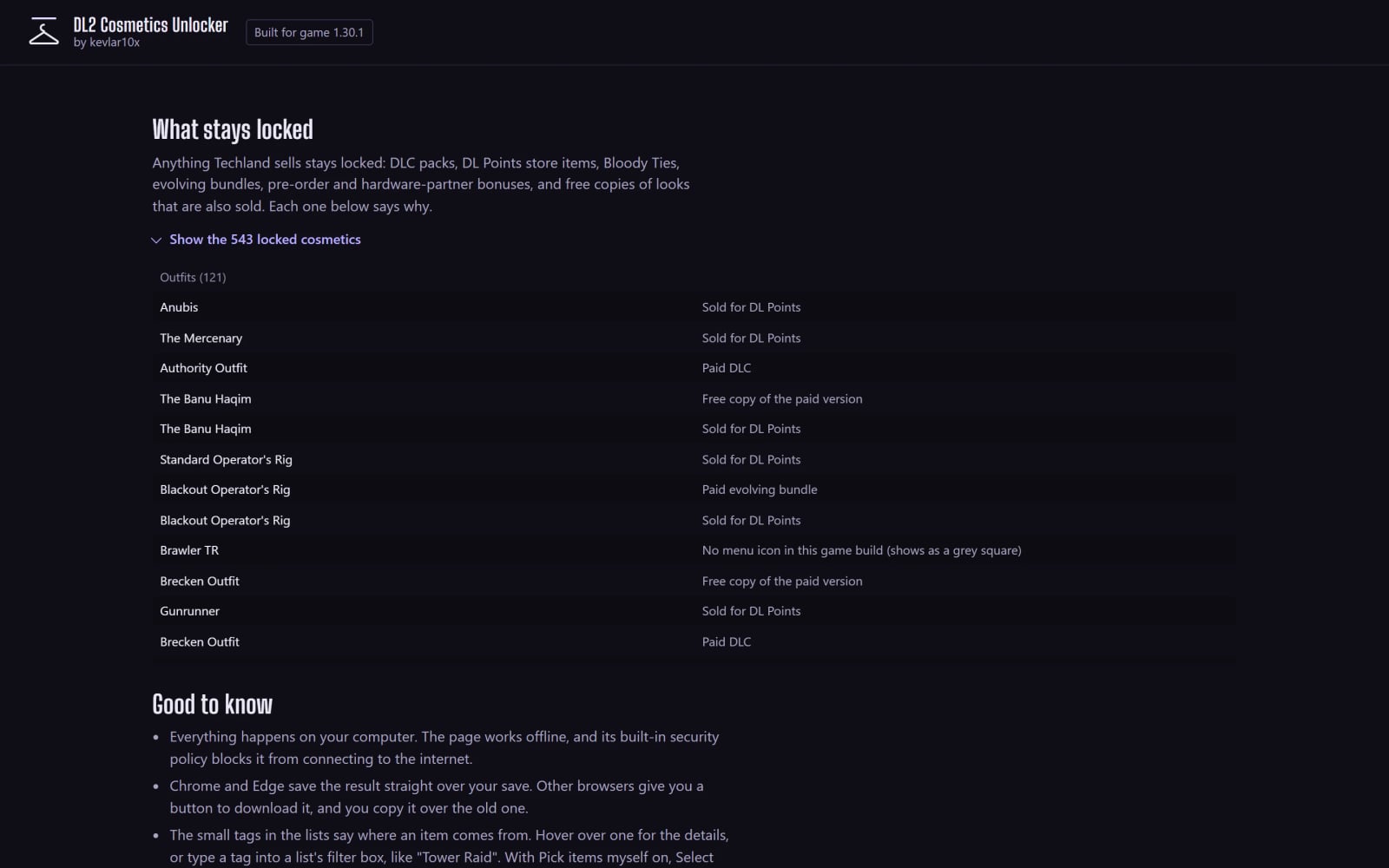
- 542 locked cosmetics are listed with the reason for each one.
Locked content
- DLC packs and anything sold for DL Points, including items a DLC or the store hands out through Aiden’s Stash.
- Free giveaway copies of looks Techland also sells, such as the Rais, Chicken or Nightrunner outfits, or a charm that looks the same as a store one.
- Bloody Ties, evolving bundles, Dying Light: The Beast tie-ins and hardware-partner charms.
- Outfits with no icon in the menu, and charm blueprints whose charm does not exist in the game.
How to use
- Quit the game to the desktop.
- Extract the zip and open
DL2 Cosmetics Unlocker.htmlin Chrome or Edge. Other browsers work too, but they cannot save in place, so download the edited save and copy it over the old one. - Choose your save, or drop it on the page. Steam saves are in
Steamuserdata<your id>534380remoteoutsaveand are namedsave_main_0.savand up. If there are several numbered folders underuserdata, use the one with a534380folder inside. On Epic, Techland’s support page puts saves here:Documentsdying light 2outstorage. If there are several saves, yours is usually the newest. If Chrome or Edge says the folder contains system files, press Open it another way on the page, or drag the save onto it. - Press Unlock. A backup of your original save downloads first. If your browser cannot save in place, press Download edited save, then copy the file over the old one. The page shows you the folder.
- Start the game and load the save. If Steam asks which copy to keep, pick the one on this computer.
You only need to do this once per save.
Undo
Rename the backup to the save’s original name, for example save_main_1.sav, and copy it over the edited save.
Settings and configuration
By default, the page adds all four groups. Enable Pick items myself to select individual items. Each group has a Keep the quest rewards locked box that leaves out the 28 items obtained from quests, side quests and map activities.
Requirements
- Everything runs in your browser.
- The page works offline, and its built-in security policy blocks it from connecting to the internet.
- The page is one readable HTML file. It can be opened in a text editor to see exactly what it does.
- This is not a Vortex mod. Nothing goes into the game folder.
Compatibility
- Tested in game on 1.30.0c with a new save and a 15-hour save, and on 1.30.1 with a new save.
- Outfits, gear looks, paraglider and grappling hook skins, and charm blueprints show up. Gear looks apply to gear, and everything remained after the game loaded the save and saved it again.
- Tested with Steam saves on Windows. A player reports it works on Epic too.
- GOG, Game Pass and Steam Deck saves have not been tried.
- Because nothing is installed, the game’s modded-files check stays off.
- Co-op with an edited save has not been tested.
Known issues
- At the very start of a new game, the starter gloves did not take any look.
- Edit the save you play on and keep its file name. The game finds saves through Steam Cloud, so a copy under a new name, such as
save_main_4.sav, will not show up in the menu. - The page refuses saves it cannot rewrite byte for byte, such as very old saves from before the 2022 patches.
Questions
Is it safe for my save?
The page reads your save, adds list entries and writes it back. Before it saves anything, it checks that the result reads back cleanly and that every checksum matches, and it stops without writing if they do not. Your original downloads as a backup before the edited save is written.
Can I get banned for this?
The page only changes the save on your own PC. It does not touch the game files, so the game’s modded-files check stays off. Co-op with an edited save has not been tested, so nothing can be promised about online play.
Why is outfit X not unlocked?
Open What stays locked on the page and find it there. Each item shows why, such as a DLC, a DL Points store item or a free copy of a paid look. If you think something free ended up locked, report it in the comments.
The game updated. Do I need a new version?
Unlocks live in your save, not in the game files. A new version of the page is needed when an update adds new free cosmetics or changes the save format. The page says which game version it was built for.
Additional information
Unofficial fan tool, not affiliated with Techland.
The page uses the Big Shoulders Display font under the SIL Open Font License; the licence is in the zip.

 Loading...