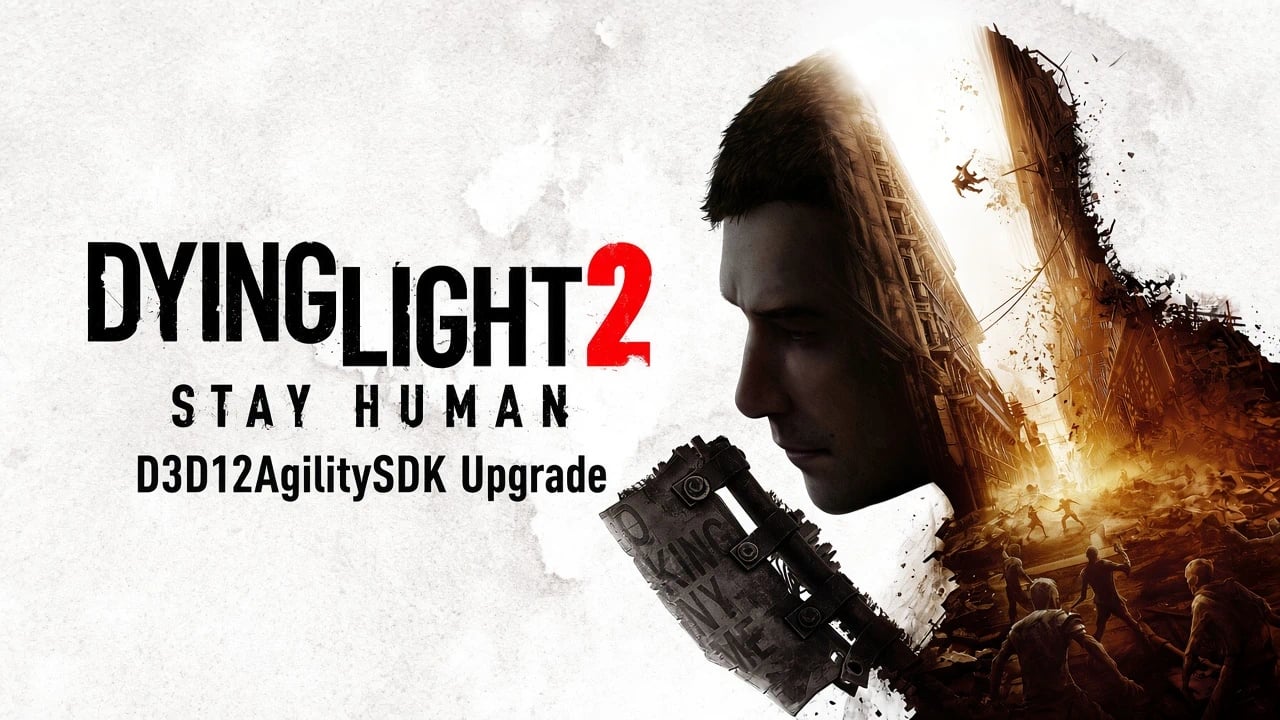
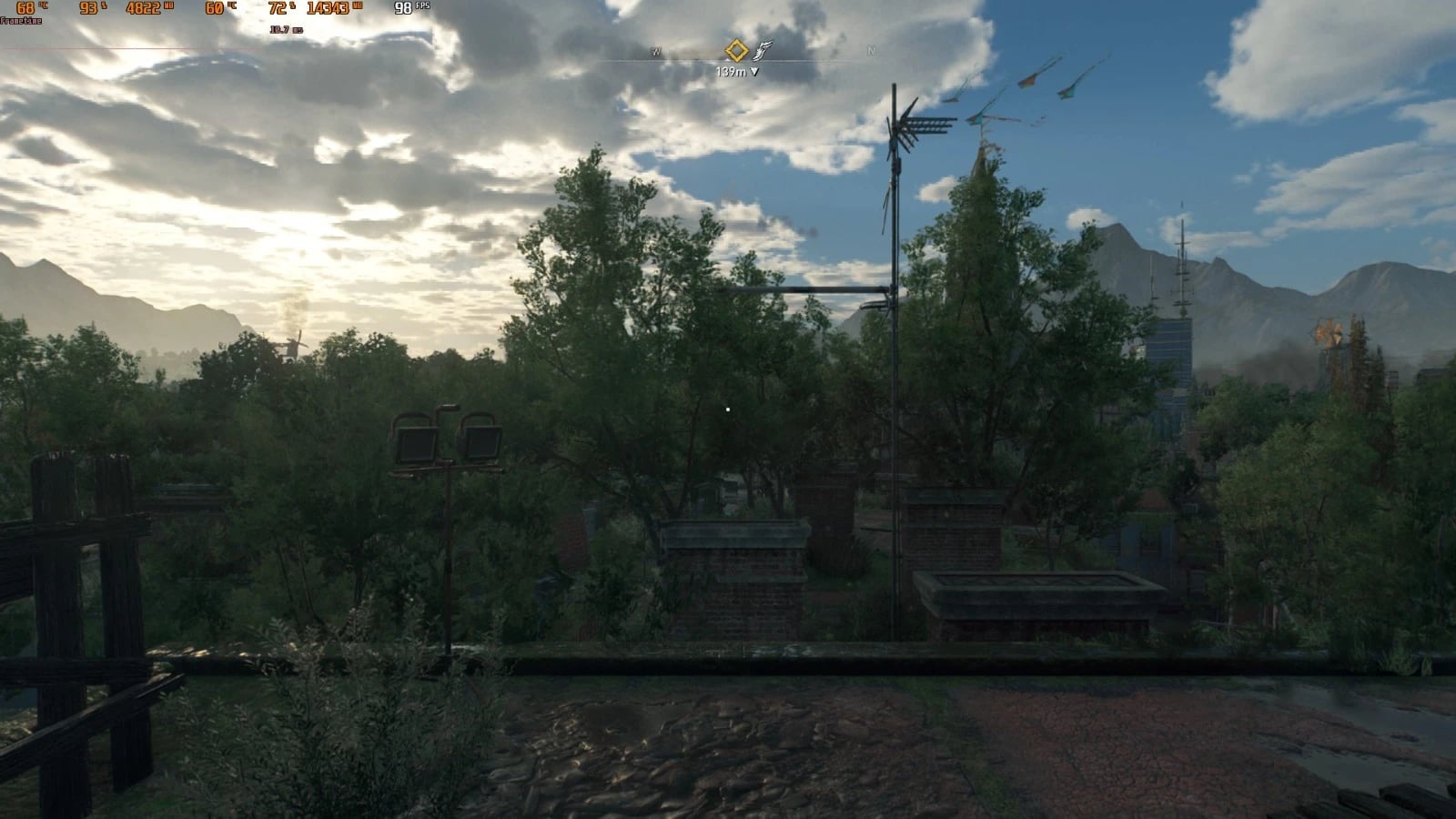
D3D12AgilitySDK Update v1.620.2
This technical mod updates the game’s bundled Direct3D 12 Agility SDK runtime and patches the executable so the game properly loads the newer D3D12Core.dll. Results may vary depending on hardware, drivers, and settings.
Features
- Updates the game’s Direct3D 12 Agility SDK runtime.
- Patches the executable so the game requests and loads the newer runtime.
- May improve frame pacing, reduce stuttering, and improve 1% lows.
Specifications
DyingLightGame_x64_rwdi.exe: patched to request the newer Agility SDK version.D3D12Core.dll: updated to Agility SDK 1.619.6.
Simply replacing the DLL is not enough. The executable must also be patched so the game actually requests and loads the newer runtime.
Installation
- 1. Back up your original
DyingLightGame_x64_rwdi.exeandD3D12Core.dllfiles. - 2. Extract the contents of the mod archive here:
SteamLibrarysteamappscommonDying Light 2phworkbinx64 - 3. Replace the existing files when prompted.
- 4. Launch the game normally through Steam.
Performance
This mod is focused on improving overall performance, frame pacing, stuttering, and memory efficiency by updating the game’s D3D12 runtime.
Updating the Direct3D 12 Agility SDK affects runtime behavior and resource handling. Depending on your hardware, graphics drivers, and game settings, this may potentially result in:
- Improved frame pacing, more consistent frame times and fewer noticeable spikes.
- Reduced stuttering, less hitching during gameplay and traversal.
- Better 1% lows, fewer severe performance drops during demanding scenes.
- Improved memory efficiency, more efficient handling of memory resources and potentially less unnecessary memory pressure.
- More consistent performance, fewer fluctuations in performance and better utilization of available hardware.
Results can vary depending on your hardware, drivers, and settings.
Requirements
- Windows 10 version 1909 or newer / Windows 11.
- DirectX 12-compatible GPU.
- Up-to-date graphics drivers recommended.
Important
This mod replaces the game’s executable, so always keep a backup of the original DyingLightGame_x64_rwdi.exe and D3D12Core.dll files.
The modified executable is intended for use with the files included in this mod. Do not mix and match different D3D12Core.dll versions unless you know what you are doing.
Uninstallation
- Restore your original
DyingLightGame_x64_rwdi.exeandD3D12Core.dllfiles. - Alternatively, Steam’s Verify Integrity of Game Files function can be used to restore the original game files.

 Loading...